Step-by-step guide to creating branded short links. Increase your click-through rates by replacing generic links with custom domains.
Links are the silent connectors of the internet. They carry your audience from social media, emails, and ads directly to your digital products and services. Yet, many businesses ignore the presentation of these links, sharing long, ugly web addresses or generic shortened URLs. Creating branded short links is a simple but highly effective way to build brand trust, increase click-through rates (CTR), and improve link deliverability.
What Are Branded Short Links?
A branded short link is a customized URL that incorporates your company's domain name and a specific keyword or call-to-action. Unlike generic short links (like bit.ly/3x8yZ), branded links look professional (like mybrand.link/sale). They immediately communicate who is sharing the link and where it leads.
Branded links consist of three parts: your custom short domain, a slash, and a customized URL slug (e.g., brand.co/product-launch). By taking control of all three elements, you turn a technical redirect into a marketing asset.
Step-by-Step Guide to Creating Branded Links With JKZ Network
Creating branded short links is straightforward when using a professional link management platform like JKZ Network. Here is how you can set it up in a few simple steps:
Step 1: Choose and Register Your Short Domain
First, you need a short domain that matches your main brand name. For example, if your company is "Alpha Consulting" (alphaconsulting.com), you might register alpha.click, alphacnslt.co, or askalpha.link. Keep this domain as short as possible to leave more space for slugs and character limits. You can register these domains through any reputable registrar.
Step 2: Connect Your Domain to JKZ Network
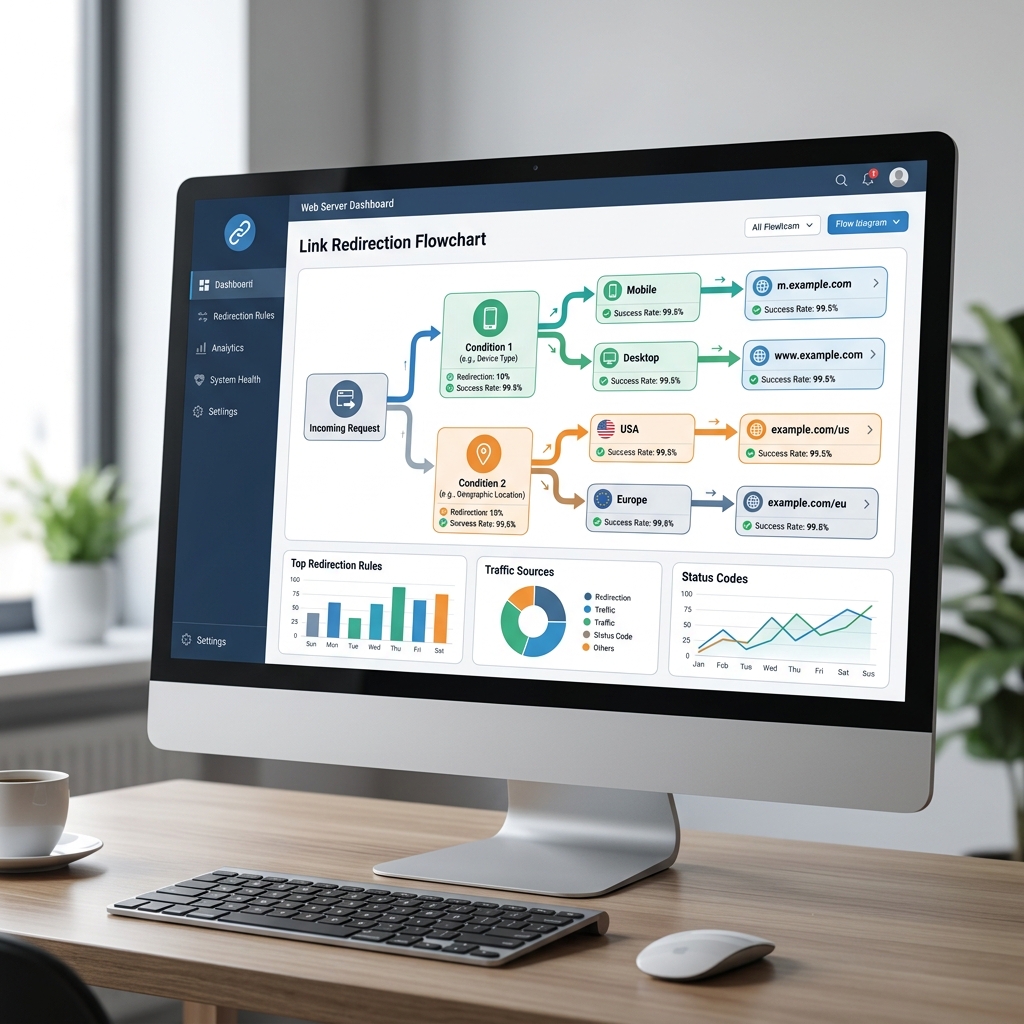
Log in to your JKZ Network dashboard and navigate to the Custom Domains tab. Add your new short domain. You will need to update your domain's DNS settings by adding an A record pointing to JKZ Network's IP address, or a CNAME record if you are using a subdomain (like go.alphaconsulting.com). Don't worry—JKZ Network provides simple, step-by-step DNS instructions during the setup process.
Step 3: Generate Your First Branded Link
Once your domain is connected and active, go to the link creation dashboard. Paste your long destination URL. Select your custom branded domain from the dropdown menu, and enter a custom, readable slug (e.g., consult-call). Click create, and your new branded link (alpha.click/consult-call) is ready to share!
Why Branded Links Drive More Conversions
Switching from generic links to branded links has a dramatic impact on your marketing results. Here is why:
- Builds Trust: Generic short links are often associated with spam, phishing, and malware because anyone can create them anonymously. A branded link reassures users that the link is safe and officially belongs to your brand.
- Boosts CTR: Studies show that branded short links can increase click-through rates by up to 34% compared to generic links, simply due to the trust and professional presentation they offer.
- Improves Email Deliverability: Spam filters closely scan email links. Emails containing generic short links are much more likely to end up in the spam folder. Branded domains tell email providers that your messages are legitimate.
- Increases Brand Recognition: Every link you share is a branding touchpoint. Even if someone doesn't click your link immediately, they still see your brand name, increasing brand recall.
Common Mistakes When Setting Up Branded Links
Make sure you avoid these common pitfalls during setup:
- Registering Long Domains: The goal is to keep the link short. If your main domain is
mycoolbusinessname.com, registeringmycoolbusinessnameshort.comdefeats the purpose. Look for extensions like.co,.link, or.clickto keep it brief. - Using Complex Slugs: Avoid using numbers or special characters in your slugs unless necessary. Keep them clear, lowercase, and focused on keywords.
- Forgetting to Redirect the Root Domain: If someone types your short domain (e.g.,
alpha.click) directly into a browser, they should land on your main website. JKZ Network allows you to set up a root redirect so users are never greeted by an error page.
Conclusion and Next Steps
In digital marketing, details matter. Replacing long, messy URLs and generic shorteners with custom, branded short links is a quick, high-ROI improvement you can make to your digital strategy. It elevates your brand's professionalism, increases user clicks, and keeps your marketing links safe and deliverable.
Ready to establish your branded links? Sign up for JKZ Network and add your custom domain today. Check out our Custom Domain Guide to avoid common setup mistakes.