Learn what a Link in Bio page is, why it is essential for creators on Instagram, TikTok, and YouTube, and how it acts as a mobile-first landing page.
If you spend any time on social media platforms like Instagram, TikTok, or Twitter, you have undoubtedly heard or seen the phrase "link in bio." But what exactly does this mean, and why has it become a cornerstone of modern digital branding? For content creators, businesses, and influencers, understanding and utilizing a Link in Bio page is no longer optional—it is a critical tool for driving traffic, growing an audience, and generating revenue.
The Social Media Problem: The One-Link Limitation
Most major social media platforms restrict where you can place clickable links. Instagram, TikTok, and Twitter/X generally only allow a single clickable link in your profile bio section. If you try to paste a link in an individual post caption on Instagram, it renders as plain, unclickable text, which users cannot copy and paste easily.
This creates a significant bottleneck for creators who have multiple things to share. If you are promoting a new YouTube video, selling a digital course, sharing an affiliate link, and trying to collect email newsletter sign-ups, how do you handle this with only one link slot? Historically, creators had to constantly swap out their bio link, but this rendered old posts useless, as the link mentioned in those captions had already been replaced. The Link in Bio page solves this problem permanently.
What is a Link in Bio Page?
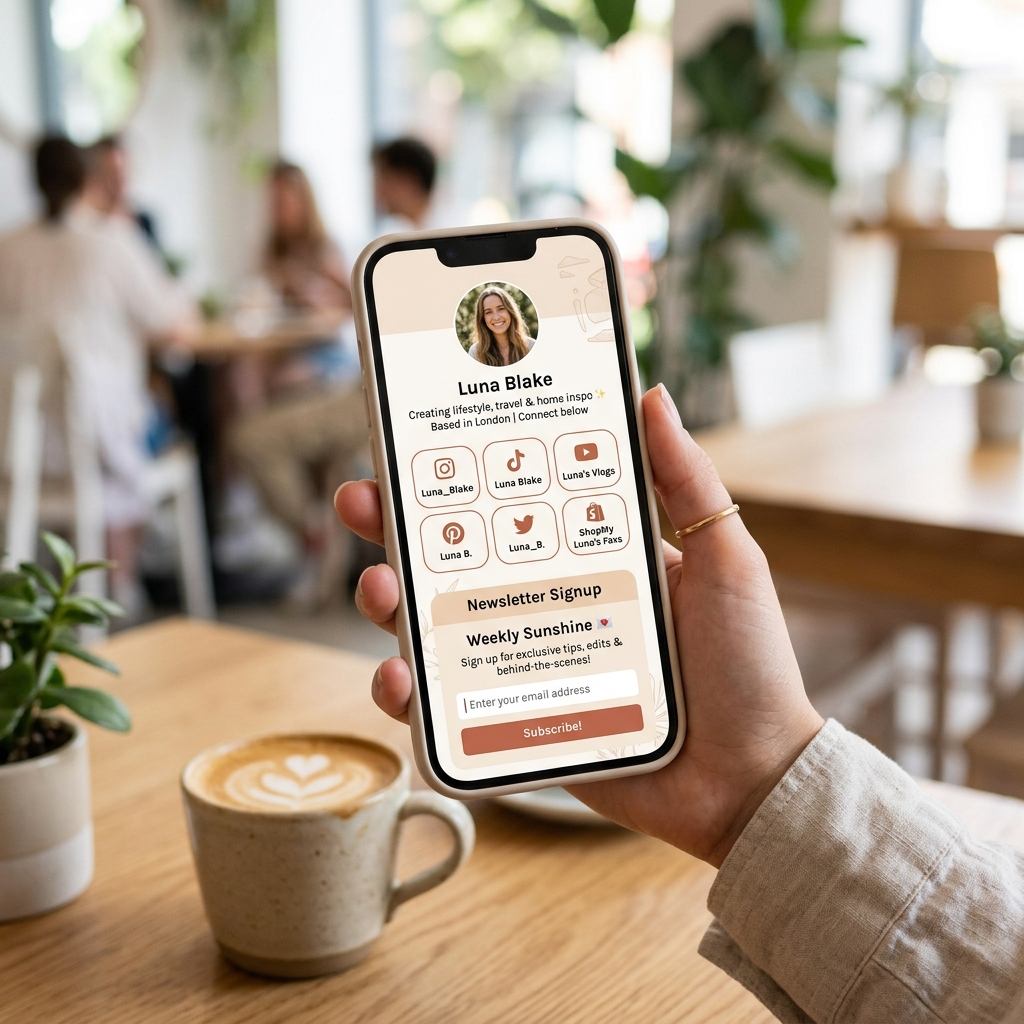
A Link in Bio page (often called a biolink or creator landing page) is a single, mobile-optimized web page that houses all of your important links, social accounts, and content embeds in one clean place. Instead of linking directly to your homepage or a single product page, you place the URL of your Link in Bio page (e.g., jkz.bio/yourusername) in your social media profile.
When a follower clicks this link, they are taken to a fast-loading, mobile-friendly landing page. Here, they can choose from a list of clean buttons, watch an embedded video, subscribe to your newsletter, or purchase a product directly. This single link acts as your digital business card and traffic controller.
Why Creators and Businesses Need a Link in Bio Page
Here are the primary reasons why having a dedicated biolink page is essential for your brand:
- Consolidated Traffic: Direct your audience to all your platforms (YouTube, shop, blog, email list) from a single entry point.
- No More Link Swapping: You never have to manually edit your Instagram or TikTok profile link again. Just update your Link in Bio page from your dashboard.
- Mobile-First Design: Over 90% of social media users browse on mobile devices. Biolinks are optimized specifically for mobile screens, ensuring fast load times and clean button layouts.
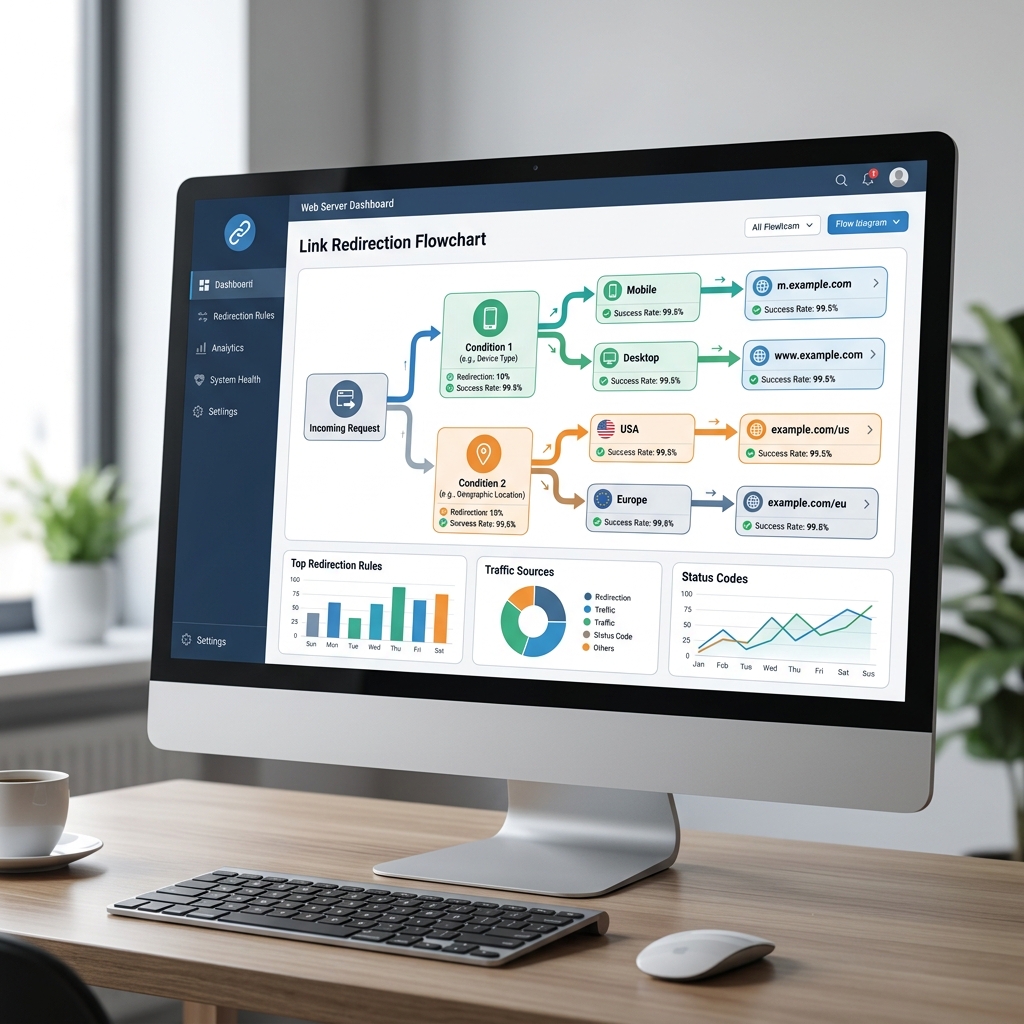
- Actionable Analytics: Platforms like JKZ Network track how many people clicked your bio link, which specific buttons they clicked, and where those visitors are located.
- Aesthetic Customization: Customize colors, fonts, backgrounds, and button styles to match your personal brand or business identity, building trust with your audience.
Key Elements of a High-Converting Biolink Page
To make the most of your biolink, ensure it includes these vital components:
- Profile Picture and Bio: Add a high-quality headshot or brand logo, along with a brief, 1-2 sentence description of who you are and what you do.
- Clear Call-to-Actions (CTAs): Keep button labels short and action-oriented. Instead of "My Shop," use "Shop My Digital Templates (50% Off)."
- Social Media Links: Use clean, recognizable icons to link to your other social profiles (YouTube, LinkedIn, Pinterest, etc.) at the top or bottom of the page.
- Embedded Content: Embed your latest YouTube video, Spotify playlist, or latest blog post directly on the page so users can consume content without leaving your profile.
Common Mistakes to Avoid
When setting up your page, watch out for these common design and marketing errors:
- Overwhelming the User: Adding too many links (more than 7 or 8) can cause decision paralysis. Keep your page focused on your top-performing and most relevant links.
- Ignoring Brand Consistency: Using mismatched colors, low-quality images, and generic layouts makes your page look unprofessional. Align the design with your brand style.
- Not Checking Mobile Responsiveness: Always test how your page looks on a phone after creating it. A layout that looks good on a desktop screen might be cluttered and unreadable on a mobile device.
How JKZ Network Empowers Your Social Strategy
With JKZ Network's Link in Bio builder, you can design professional, fast-loading, and trackable biolink landing pages in minutes. You can add buttons, collect email addresses, embed multimedia content, and track click analytics, all from a single, intuitive dashboard.
Conclusion and Next Steps
A Link in Bio page is a vital marketing bridge that connects your social media followers to your business, products, and content. By implementing a clean, well-designed bio link page, you turn passive social media views into active website visits, leads, and sales.
Ready to build your landing page? Sign up for JKZ Network today to create a beautiful, custom Link in Bio page. To learn how to get started, explore our step-by-step tutorial on How to Create a Link in Bio Page for Instagram, TikTok, and YouTube.