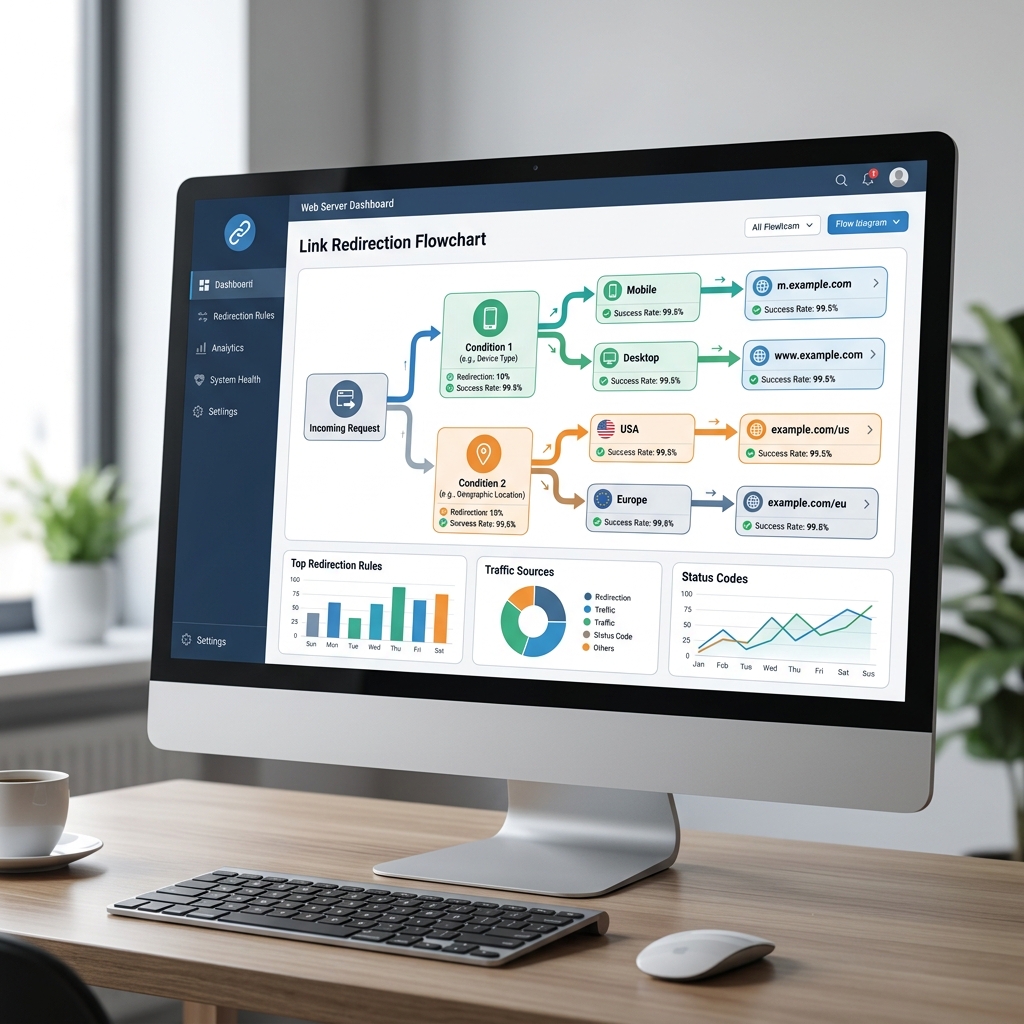
Learn how to track clicks, referrers, devices, and visitor locations on shortened links to measure your digital marketing campaign performance.
If you are running marketing campaigns, sharing resources on social media, or sending newsletters, you need to know how your links are performing. Simply sharing links and hoping for the best leaves you blind to what content actually resonates with your audience. Tracking clicks on shortened links provides the quantitative feedback you need to refine your digital strategy and improve conversion rates.
The Importance of Link Tracking in Digital Marketing
Every click represents an engaged user. By tracking those clicks, you can answer critical questions about your marketing efforts:
- Which social media platform drives the most high-value traffic?
- At what time of day is your audience most active and responsive?
- Are your visitors clicking from mobile devices, tablets, or desktop computers?
- Which geographic locations are showing the highest interest in your offers?
Without click tracking, you are guessing which campaigns are profitable. Link analytics remove the guesswork, letting you focus your budget and energy on high-performing channels.
How to Setup Link Tracking With JKZ Network
Tracking clicks is simple when using a comprehensive link management platform like JKZ Network. Here is how to create a trackable link and start collecting data:
Step 1: Shorten Your Target URL
Paste the long URL of the page you want to track into your JKZ Network dashboard. You can use your main website domain, a specific landing page, or even third-party resources like a YouTube video or Amazon listing.
Step 2: Customize the Short Link
Assign a custom branded domain and a clean, recognizable slug. Creating a link like brand.link/summer-sale instead of a random string ensures higher click rates and better brand alignment.
Step 3: Share and Monitor in Real-Time
Share your trackable short link across your target channels (emails, social posts, ads). As soon as the first visitor clicks the link, JKZ Network begins logging data. You can access your dashboard to view real-time click statistics.
Key Metrics You Should Track
When analyzing your link performance, look beyond the raw click counts. Pay attention to these vital data points:
- Total vs. Unique Clicks: Total clicks measures every click, including multiple clicks from the same user. Unique clicks measures individual users, giving you a more accurate picture of your audience reach.
- Referrers: This shows you exactly where the clicks came from (e.g., direct traffic, Twitter, Facebook, or specific blog pages).
- Geographic Location: Track the country and city of your visitors, which is essential if you run localized ads or ship physical products.
- Device Type and OS: Know if your users are on iOS, Android, macOS, or Windows to optimize your landing page design for their screen size.
Common Tracking Mistakes to Avoid
Ensure your data is accurate and useful by avoiding these common tracking mistakes:
- Not Using UTM Parameters: While link shorteners track basic referrers, combining them with UTM parameters allows you to attribute clicks to specific newsletters, ad sets, or copy variations in Google Analytics.
- Overlooking Case Sensitivity: Many link shorteners treat
/Promoand/promoas different links. Make sure your team uses a consistent casing strategy (preferably all lowercase) to avoid split data or broken links. - Failing to Segment Campaigns: Use different short links for different channels. Sharing the exact same short link on Facebook, LinkedIn, and email makes it impossible to know which channel performed best.
Conclusion and Next Steps
Tracking clicks on your shortened URLs is the easiest way to understand customer behavior and measure campaign ROI. With the right platform, you gain access to a treasure trove of marketing data that can help you double your click-through rates and optimize your sales funnels.
Ready to unlock your link analytics? Sign up for JKZ Network today to start shortening and tracking your links. For an in-depth dive into metrics, read our comprehensive guide on Understanding Link Analytics Metrics.