Step-by-step guide to setting up a high-converting Link in Bio page for Instagram, TikTok, and YouTube. Optimize your social media traffic today.
Social media networks are great for building an audience, but they are notorious for limiting outbound traffic. Platforms like Instagram, TikTok, and YouTube only allow a single clickable link in your bio section. To maximize the value of your social media followers, you need a way to redirect them to multiple resources. Here is a step-by-step guide to creating and optimizing a Link in Bio page using JKZ Network.
Step 1: Sign Up for a JKZ Network Account
To begin, go to the JKZ Network homepage and sign up for a free account. Once your account is active, you will be taken to the main dashboard. Here, select the Biolinks option and click Create Biolink Page.
Step 2: Choose Your Custom Username and Slug
The URL of your bio page is what users will see in your social media profiles. It should be short, memorable, and consistent with your brand handle (e.g., jkz.bio/alexconsults or jkz.bio/mybrand). Enter this slug and click save.
Step 3: Upload Your Profile Image and Setup Bio
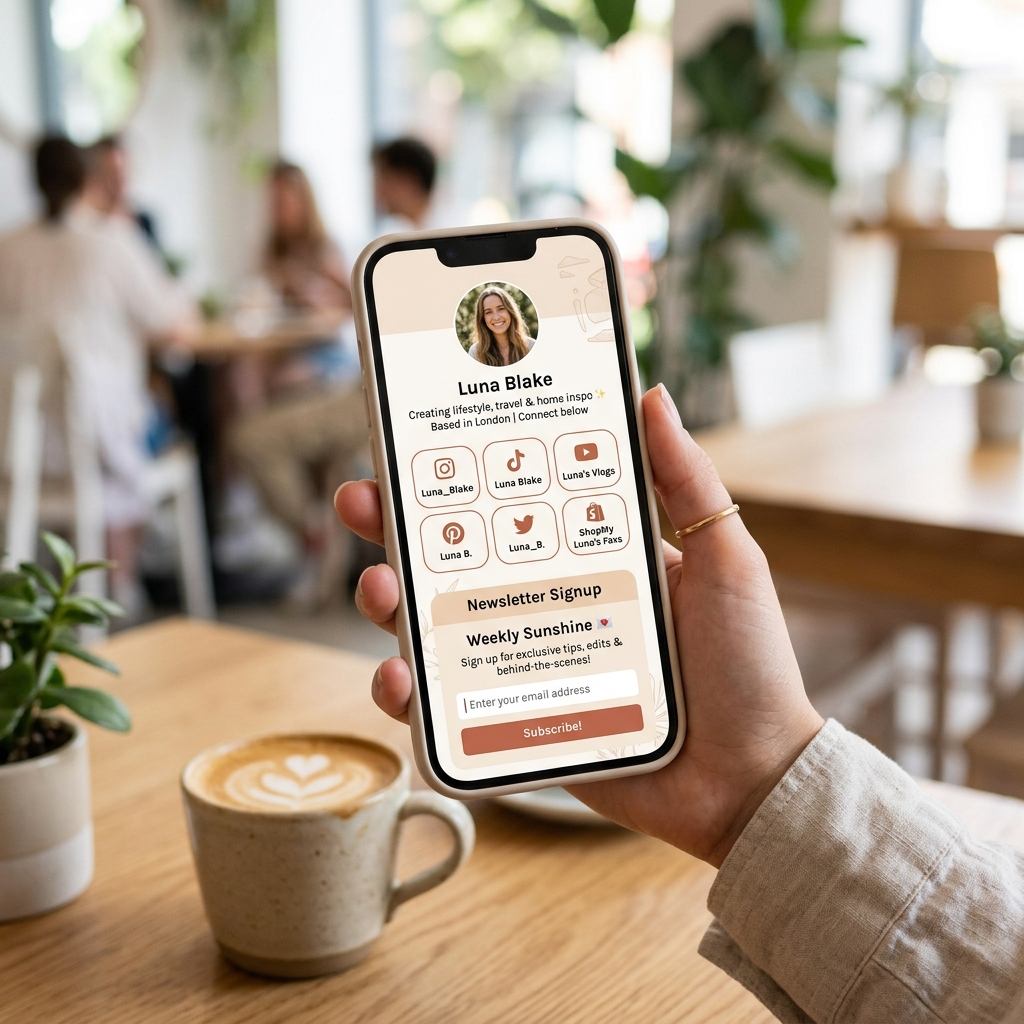
Once your page is created, navigate to the customization settings. Upload a high-resolution profile photo (a clean headshot or your brand logo). Add a short, punchy bio description. Keep it under 150 characters, stating clearly what value you provide to your followers.
Step 4: Design Your Page Style and Theme
Choose a color palette that aligns with your brand. JKZ Network provides several pre-made modern themes (sleek dark modes, minimalist styles, glassmorphism templates) or you can customize colors, button borders, and font families manually. Ensure there is high contrast between the background and the text to maintain readability on mobile screens.
Step 5: Add Your Link Buttons and Content Blocks
Now, add the actual buttons to your page. Click Add Block and select Link. For each link, provide a descriptive title and the destination URL. Repeat this for your main resources. You can also add other blocks like:
- Social Icons: Add clean, clickable icons linking directly to your YouTube channel, LinkedIn, Twitter/X, and Pinterest.
- Video Embeds: Embed your latest YouTube video directly so visitors can watch it on the page.
- Newsletter Form: Collect email signups directly using JKZ Network's integrated email forms.
Step 6: Publish and Add to Social Profiles
Review the page preview to make sure everything looks perfect. Copy your new biolink URL (e.g., jkz.bio/yourbrand). Now, log in to your social media accounts and paste the link in your bio section:
- Instagram: Go to Edit Profile > Links > Add External Link, and paste your URL.
- TikTok: Go to Edit Profile, click on the Website field (business account required), and paste your link.
- YouTube: Go to YouTube Studio > Customization > Basic Info, and add your link under the External Links section.
Best Practices for a High-Converting Bio Link Page
Maximize your results by following these guidelines:
- Keep Key Links Above the Fold: Put your most important call-to-actions at the very top of your page. Visitors should see them instantly without having to scroll down.
- Update Content Regularly: Make sure your biolink is aligned with your active campaigns. If you mention a specific video in your latest TikTok, make sure that video link is featured prominently at the top of your bio page.
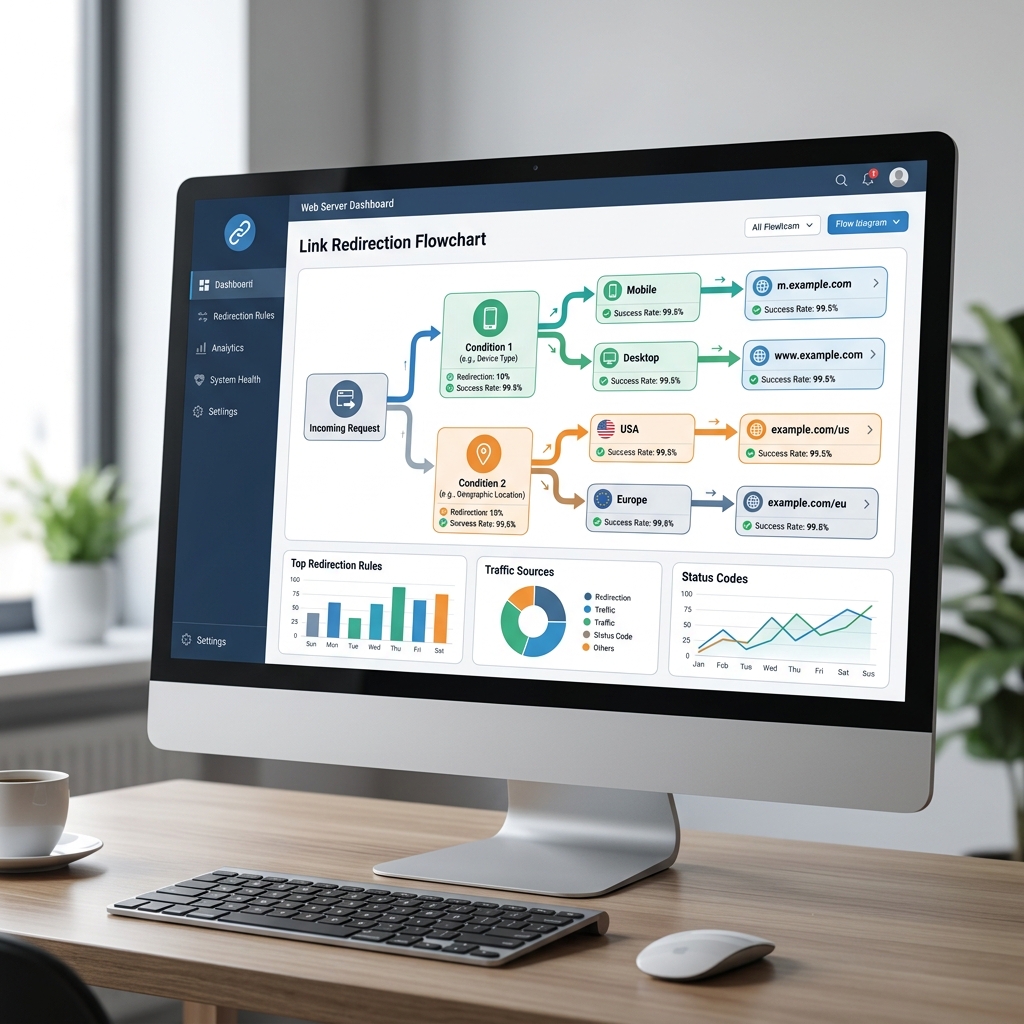
- Use Analytics to Refine: Regularly check your JKZ Network dashboard to see which buttons perform best. Remove links that receive no clicks to keep the layout clean.
Conclusion and Next Steps
Setting up a Link in Bio page is a fast, highly effective way to turn your social media profiles into active marketing funnels. By following this guide, you can establish a central digital hub that makes it easy for your followers to connect with your products, newsletters, and services.
Don't leave your social media traffic on the table. Create your free landing page on JKZ Network today. If you need design ideas for your page, check out our guide on Best Link in Bio Ideas for Creators and Businesses.