Learn how to track QR code scans, analyze scanner locations, check device types, and measure offline marketing ROI using JKZ Network.
One of the greatest challenges of offline advertising is measurement. If you print 5,000 brochures or put up a billboard, how do you know if it is actually generating traffic? By using dynamic QR codes, you can track every scan in real-time, giving you access to the same detailed analytics you expect from your digital ad campaigns. Let's explore how to track QR code scans and measure your offline marketing ROI.
Why Tracking QR Code Scans Matters
Simply printing a QR code and hoping it helps your business is not a strategy. Tracking scans allows you to collect data that can reshape your marketing decisions:
- Measure Offline ROI: Calculate the exact cost-per-scan for your printed flyers, posters, or newspaper ads.
- Compare Placements: If you put one QR code in a shop window and another on a flyer, tracking tells you which location drives the most engagement.
- Understand Customer Demographics: Learn which countries or cities show the most interest, what times of day they scan, and which mobile devices they use.
How to Track Scans with JKZ Network
JKZ Network makes tracking QR code scans simple. Every dynamic QR code generated through our platform includes built-in tracking. Here is how to access and analyze this data:
Step 1: Generate a Dynamic QR Code
When creating a QR code in JKZ Network, select the Dynamic option. Paste your target URL. The system will create a trackable redirect link and encode it into your custom QR grid.
Step 2: Print and Distribute
Style your QR code, add your logo, download the high-resolution vector image (SVG or PNG), and print it on your marketing materials. Share these items with your audience.
Step 3: Monitor the Analytics Dashboard
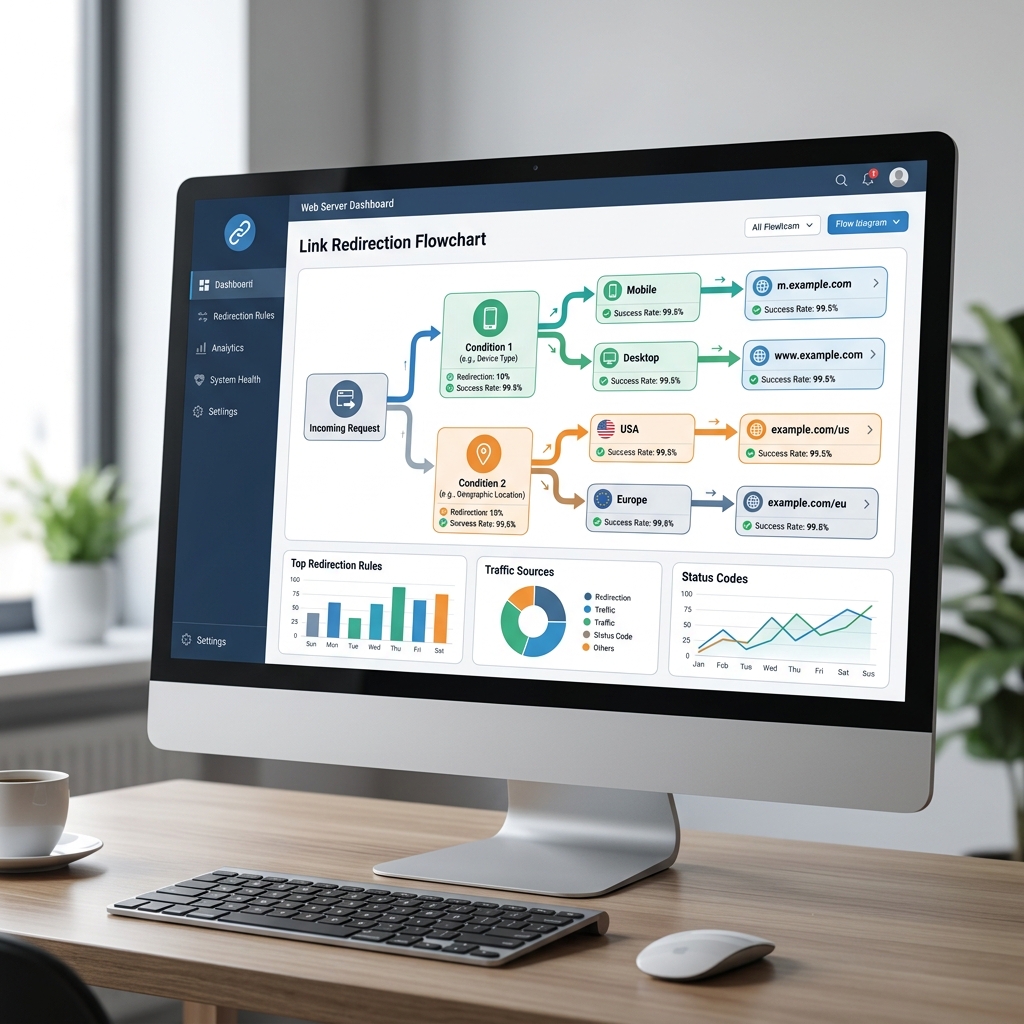
Log in to your JKZ Network dashboard and click on your QR code. You will see real-time statistics including:
- Total Scans: The total number of times the QR code was scanned.
- Unique Scans: The number of individual devices that scanned the code, filtered to prevent duplicate counting.
- Timeline Charts: View scans by hour, day, week, or month to identify peak interest periods.
- Location Mapping: View the countries, regions, and cities where scanners were located.
- Devices & Browsers: See if users scan with Safari on iPhone, Chrome on Android, or other configurations.
How to Calculate Your Offline Marketing ROI
Once you have scan data, you can calculate the financial success of your campaign. For example, if a flyer campaign costs $500 to design and print, and your dynamic QR code logs 250 unique scans, your Cost Per Scan (CPS) is $2.00 ($500 / 250).
If 25 of those scanners go on to make a purchase, your Conversion Rate is 10% (25 / 250). If the average purchase value is $50, the campaign generated $1,250 in revenue. By tracking these numbers, you can easily prove the ROI of your offline advertising.
Best Practices for Measuring QR Campaigns
To ensure your tracking data is clean and actionable, implement these guidelines:
- Use Unique QR Codes for Different Placements: If you are testing two different flyer designs, generate two separate dynamic QR codes. This is the only way to know which design generated more scans.
- Incorporate UTM Parameters: Append UTM parameters to your destination URLs before generating your QR codes (e.g.,
?utm_source=flyer&utm_medium=print). This allows your web analytics (like Google Analytics) to attribute web sales back to the specific QR campaign. - Audit Redirect Speeds: Ensure your redirection server is fast. JKZ Network utilizes optimized servers to redirect users instantly, preventing drop-offs caused by slow loading times.
Conclusion and Next Steps
By tracking your QR code scans, you bring digital-level measurement to the physical world. It eliminates the mystery of offline advertising, helping you invest your marketing budget where it drives the best results.
Ready to measure your offline success? Sign up for JKZ Network today to start generating and tracking dynamic QR codes. For more tracking strategies, explore our guide on Understanding Link Analytics and Tracking Clicks.