Maximize your social media marketing results. Learn why branded links build trust, increase clicks, and prevent link blocking on social platforms.
Social media is a highly visual environment where brands compete for attention. In this space, every element of your post matters—including the links you share. Cluttered, unformatted URLs can disrupt your branding and discourage clicks. Using branded short links is a simple way to maintain a professional appearance, build trust, and increase click-through rates on social platforms.
What Are Branded Links?
A branded link is a shortened URL that features your custom domain and a specific keyword (e.g., mybrand.link/guide). Unlike generic short links, branded URLs clearly associate the shared content with your brand, showing users that the destination is safe and official.
Why Branded Links are Critical for Social Media
Here is why branded links are essential for a successful social media strategy:
1. Builds Immediate Trust
Generic short links are frequently used by spammers because they can be created anonymously. Consequently, many social media users are hesitant to click on them. Branded links indicate that the link belongs to your business, helping to build trust and increase click-through rates.
2. Enhances Brand Awareness
Every post and comment is a branding touchpoint. Even if a user doesn't click your link, seeing your brand name in the URL builds brand awareness and keeps your business top-of-mind.
3. Bypasses Social Spam Filters
Social networks like Facebook, Instagram, and LinkedIn use automated systems to detect and block spam links. Generic shorteners are often flagged because of widespread abuse. Using your own custom domain reduces the risk of your links being blocked or suppressed by social algorithms.
How to Implement Branded Links Across Platforms
Here is how to optimize your link sharing strategy on major social networks:
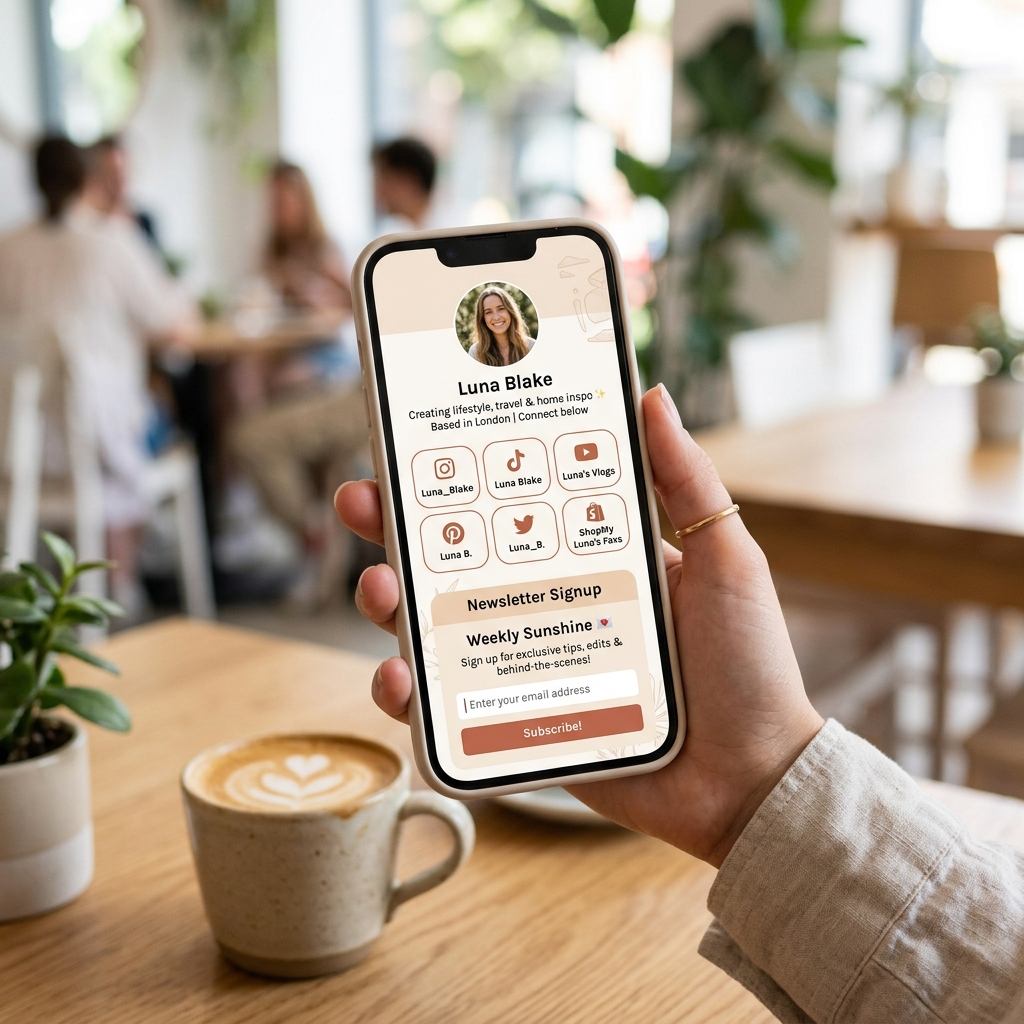
- Instagram and TikTok: Since these platforms limit you to a single link in your bio, connect your custom domain to a Link in Bio page (e.g.,
links.yourbrand.com) to host your key links in one place. - Twitter/X: Character limits are tight. Using short branded links allows you to share clean links while saving space for your message.
- LinkedIn and Facebook: Use custom branded links in your posts and comments to maintain a professional brand image.
Best Practices for Social Media Links
Optimize your links with these simple guidelines:
- Create Clear Slugs: Match your URL slug to the post content (e.g.,
brand.link/podcast-50for a specific podcast episode). - Maintain a Consistent Format: Use the same custom domain across all profiles to establish a cohesive brand presence.
- Leverage Link Redirects: Keep your shared links active. If your landing page changes, update the redirect in your dashboard so users are never sent to a broken page.
Conclusion and Next Steps
Branded links are a key element of professional social media marketing. They protect your brand, build trust, and help ensure your content reaches your audience without disruption.
Ready to upgrade your social media links? Create a free account on JKZ Network today to set up your custom domain. Check out our guide on Link in Bio Ideas for Creators and Businesses to learn how to optimize your profile landing page.