A step-by-step guide to tracking link clicks, identifying referral sources, analyzing device usage, and mapping visitor locations in real-time.
If you want to improve your digital marketing, you need to understand how your audience behaves. Simply knowing how many people clicked a link is not enough. You need to know where they came from, what device they used, and their geographic location. Let's explore how to set up tracking links and analyze these key metrics in real-time using JKZ Network.
Step 1: Create a Trackable Link
Log in to your JKZ Network dashboard and paste your destination URL into the shortener. Choose your branded domain and customize the slug to match your campaign (e.g., yourbrand.link/guide). Click create to generate your trackable short link.
Step 2: Share Across Channels
Share your link on your targeted platforms. To keep your tracking data clean, create unique short links for different channels—such as one for your Instagram bio and another for an email newsletter. This separation allows you to compare the performance of each channel accurately.
Step 3: Analyze Referrer Data
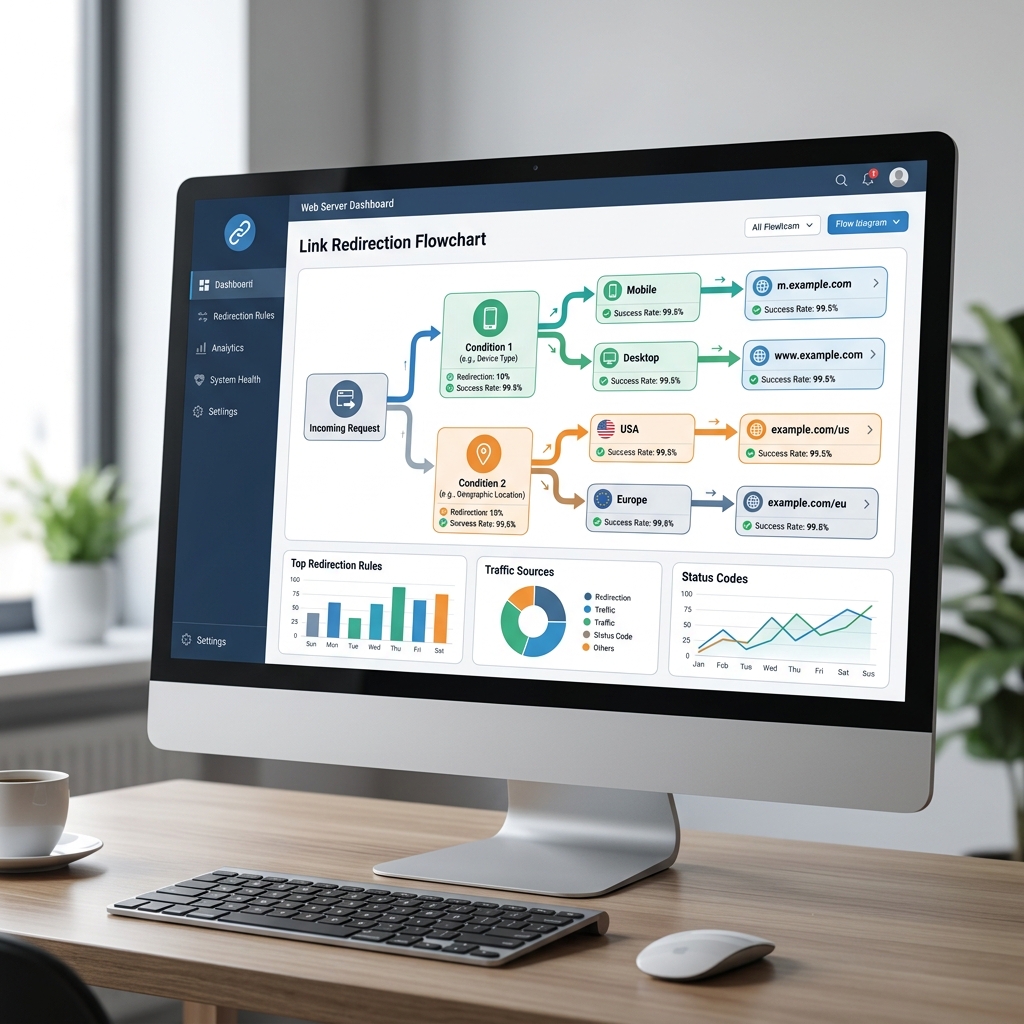
In your link settings, open the analytics tab. The **Referrers** section shows you the websites and apps visitors used right before clicking your link. This is crucial for verifying if your traffic is coming from your paid ads, partner blogs, or organic social posts.
Step 4: Check Geographic Distribution
The **Countries** and **Cities** report maps where your visitors are located. If you run a local business or target specific regions, this report helps confirm if you are reaching the right audience. If you see high traffic from a country you don't ship to, you can adjust your ad targeting accordingly.
Step 5: Monitor Device and OS Usage
Review the **Devices** tab to see the breakdown between desktop, mobile, and tablet traffic. If the majority of your visitors are on mobile devices, double-check that your landing page loads quickly and is easy to navigate on smaller screens.
Best Practices for Clean Data Collection
Keep these tips in mind to get the most accurate tracking results:
- Use Unique Links for A/B Testing: If you are testing two different ad images, use a unique short link for each to see which one drives more clicks.
- Stick to a Naming Convention: Keep your link titles and slugs organized so you can easily find and analyze them in your dashboard later.
Conclusion and Next Steps
Tracking clicks, referrers, devices, and countries is the easiest way to understand your audience and measure campaign success. With the right platform, you gain access to the data needed to optimize your marketing and improve your ROI.
Ready to start tracking? Create a free account on JKZ Network today. Learn how to combine short links with Google Analytics in our guide on How to Use UTM Parameters with Short Links.